

Description of the video:
[ Music ]>> Good call. Clicking on that link could have been bad. That email could have been a phish. External email This email flagging, which is now turned on by default for all IU email accounts, can help you recognize when an email is spoofed to look like it's coming from a trusted source. So don't let a phish get your goat. Use extra caution with any email marked as external because it is not from a trusted IU domain. Visit phishing.iu.edu to learn more about how to protect yourself.
[ Music ]
Think before you click—Quick steps
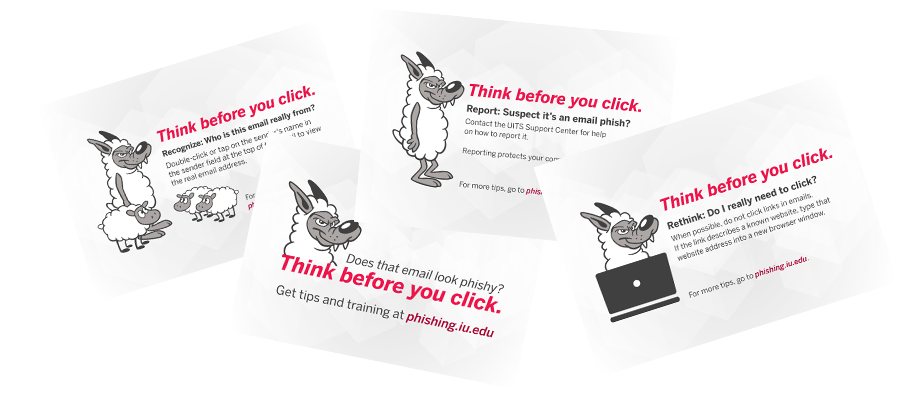
2. Rethink
If you can't verify the sender, do not click at all.
How: If the email refers to a known website, type that website address into a new browser window instead and check for information there.
3. Report
Suspect it's a phish? Send the alert.
How: Contact your campus UITS Support Center for help on how to report it.
Learn more to boost your defenses
Hold "Think before you click" workshops
Request a "Think before you click" session with IT Training.
Escape from the Cybersecurity Escape Room
Build team cohesion and learn about cybersecurity in this fun and immersive experience.
Additional resources and articles
Partnering groups behind Phishing.iu.edu
Phishing.iu.edu is the result of a partnership among the following groups and services at IU:
- University Information Security Office (UISO)
- University Information Policy Office (UIPO)
- IT Communications Office, Office of the Vice President for IT (OVPIT)
- IT Community Partnerships, University Information Technology Services (UITS)
- UITS IT Training
- UITS Support Center